GPU tiers for 1440p, Q4 2026: what to buy
Ranked by the 1% low across 30 games, not by benchmark score. The mid tier has a new pick this quarter.

The easiest way to be misled by a GPU review is the average frame rate. A card averaging 120 fps sounds ample, but if its 1% low is 58 you will feel like it stutters, because the eye is far more sensitive to a jump in frame time than to a steady low frame rate.
So this table is ordered by the median 1% low across 30 games at 1440p. Benchmark scores have no place here.
Test setup
One platform: Ryzen 7 9800X3D, DDR5-6000 32GB, Windows 11 25H2, the current WHQL driver from each vendor. Each game ran a fixed route three times, and we took the median 1% low. The preset was locked to High with no ray tracing and no upscaling, because upscalers differ enough between vendors to flatten the gap between the cards themselves.
Six of the 30 games were chosen for memory pressure, two of them on UE5. At 1440p the real dividing line is no longer core performance. It is VRAM.
Tiers
| Tier | Cards | Median 1% low at 1440p | What it is for |
|---|---|---|---|
| S | RTX 5080 and above | 128+ | 1440p high refresh, or 4K |
| A | RTX 5070 Ti / RX 9070 XT | 104-126 | 1440p high, 100 fps |
| B | RTX 5070 / RX 9070 | 86-103 | 1440p high, steady 60 |
| C | RTX 5060 Ti 16G / RX 9060 XT 16G | 71-85 | 1440p medium, 60 fps |
| D | Any 8GB card | 54-70, with a cliff in the tail | Not recommended for 1440p |
Note the gap between C and D. It is a step, not a slope.
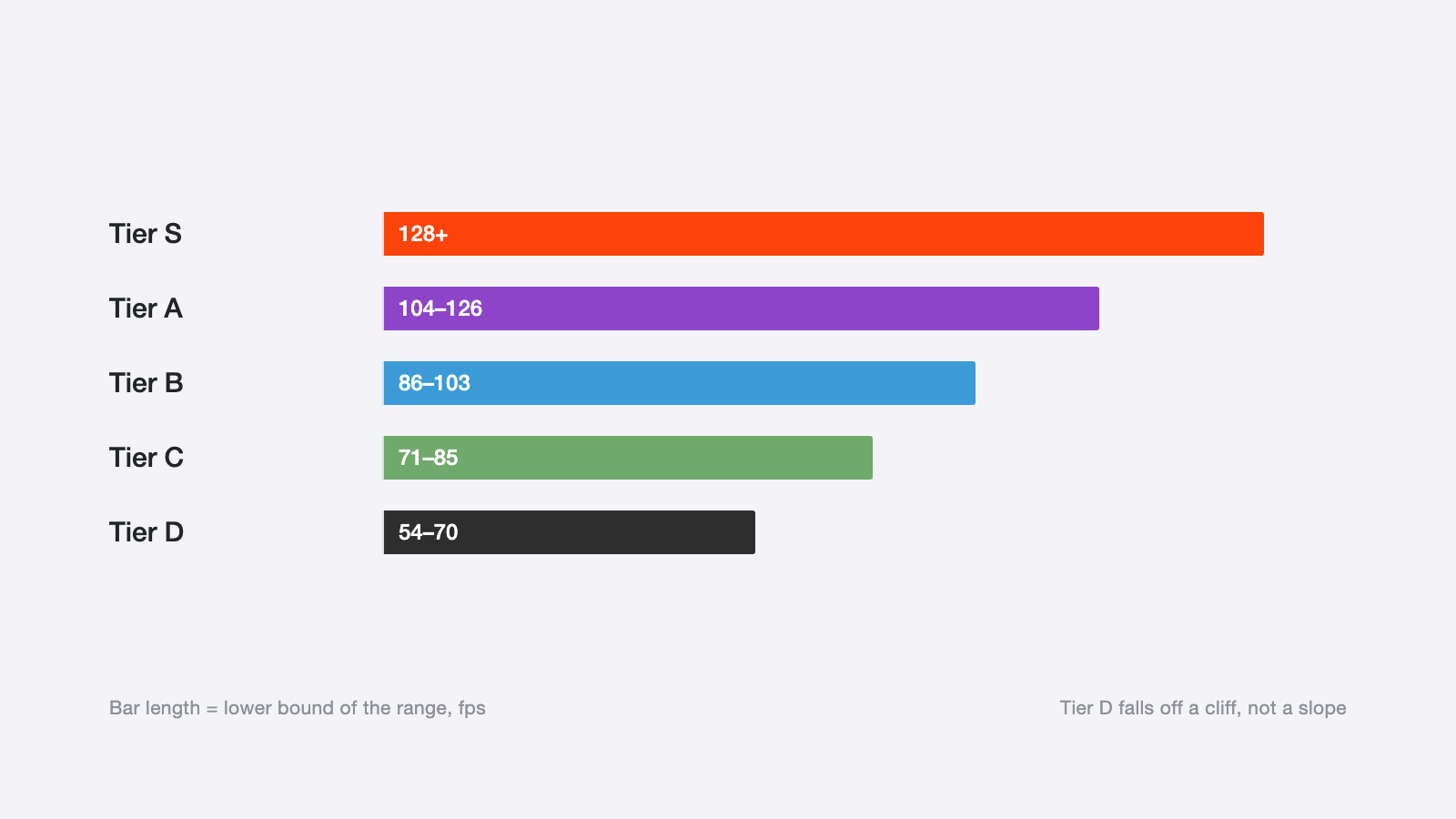
Bar length is the lower bound of each range, in fps. Tier D does not taper, it drops.
The mid tier changed hands
Last quarter the 1440p sweet spot was the 8GB RTX 5060 Ti. This quarter we pulled it from the recommendation and put the 16GB RX 9060 XT in its place.
Core performance is not the reason. At 1080p the two trade wins within 3%.
Memory is. In our 30-game sample, six titles exceeded 8.5GB of VRAM at 1440p high. On those six, an 8GB card does not lose a few frames. The 1% low falls below 40 and the frame-time curve turns into a regular sawtooth, which is memory swapping in and out. The same card is completely normal at 1080p.
That is the C/D cliff. Cross the VRAM threshold and performance stops declining linearly and collapses in steps.
Three common mistakes
"12GB is enough" depends. At 1440p high with no ray tracing and no high-resolution texture pack, 12GB is enough today. Touch a UE5 Nanite scene or turn ray tracing on and it gets tight. We place it at the edge of tier B and would not call it future-proof.
"Upscaling will save it" is wrong. Upscaling lowers render resolution, not memory use. Textures and geometry still take what they take. An 8GB card with upscaling on shows a nicer frame counter while the sawtooth stutter remains.
"Wait for the next generation" is not automatically smart. Efficiency gains this generation were small, and the next one looks like a modest bump with a price increase. If your target is 1440p at 60 fps, a tier B card bought today lasts three years.
How to choose
Start with the monitor. 1440p at 60Hz means tier B, and there is no reason to pay for performance you cannot use. Only a 1440p 144Hz panel justifies tier A. Tier S at 1440p is wasted unless you plan a 4K upgrade within two years.
Then check memory. 12GB is the floor at 1440p now, and 16GB is the recommendation. That line matters more than any benchmark score.
Finally, look at power draw and case clearance. Tier A cards this generation pull around 300W under load. A 750W supply is the floor, and it is the wrong place to save money.

